If you’ve been handed a box of 35mm film negatives — the long, thin strips of photographic film that record images as transparent color or black-and-white frames — and you need to digitize them at professional quality, the scanner market will immediately throw numbers at you. “7200 dpi!” “Dmax 4.2!” These figures sound authoritative, but experienced digitization professionals know they can be almost meaningless without context. Optical resolution (how much real detail the scanner’s lens and sensor can actually resolve, measured in dots per inch, or dpi) and Dmax (the maximum density of shadow detail a scanner can read from very dark areas of a negative, on a logarithmic scale from 0 to 5) are the two numbers that determine whether your scans will hold up in a professional archive, a print-on-demand workflow, or a cultural heritage deliverable. The gap between what’s printed on the box and what a scanner actually delivers can be enormous — sometimes a full stop of shadow detail, sometimes a factor of two in real resolution. This article breaks down how to evaluate those numbers honestly and maps them to specific models at key price points, so you can match hardware to your actual professional outcome.
Why Advertised Specs Routinely Mislead Buyers
The root problem is that there is no universal standard compelling scanner manufacturers to measure or report optical resolution and Dmax the same way. A manufacturer can advertise 4800 dpi interpolated resolution — meaning the firmware mathematically estimates pixel values between real samples — while the sensor itself captures only 2400 dpi of genuine optical data. Interpolation fills in gaps; it does not recover detail that was never captured.
The same ambiguity applies to Dmax. A rating of 4.0 means the scanner can distinguish detail in negative densities up to 4.0 on a logarithmic scale — a very dark shadow area. But some manufacturers derive that figure under ideal lab conditions with a freshly calibrated light source, while real-world performance with aged lamps or consumer-grade A/D converters (the analog-to-digital circuitry that translates light readings into digital numbers) can fall a half-stop short. B&H Photo Explora’s article “Understanding Dmax in Film Scanners” notes that the practical difference between a scanner rated at Dmax 3.6 versus one rated at 4.0 is visible as either blocked-up black shadow zones or grainy midtones when pushing underexposed negatives in post-processing.
There is also the bit depth variable. Internal bit depth — how many tonal levels the scanner’s sensor samples before the file reaches your software — is commonly 14-bit or 16-bit in prosumer hardware. A scanner sampling at 16-bit internal depth with a true Dmax of 3.8 will generally produce cleaner gradients in shadows than one advertising Dmax 4.0 but sampling at 12-bit internally. DPReview’s Film Scanner Buyer’s Guide addresses this directly, noting that bit depth and Dmax interact: high Dmax without sufficient bit depth produces noisy tonal gradations in the darkest zones, which becomes visible in large prints or after aggressive tone-mapping.
The practical takeaway: when comparing scanners, ask for the optical dpi figure (sometimes listed as “hardware resolution” or “true optical resolution” in spec sheets), the internal bit depth, and, ideally, third-party Dmax measurements rather than the manufacturer’s own claim.
The Field, Priced Out: Where Each Scanner Actually Lands
Entry-to-Mid Tier (~$300–$600)
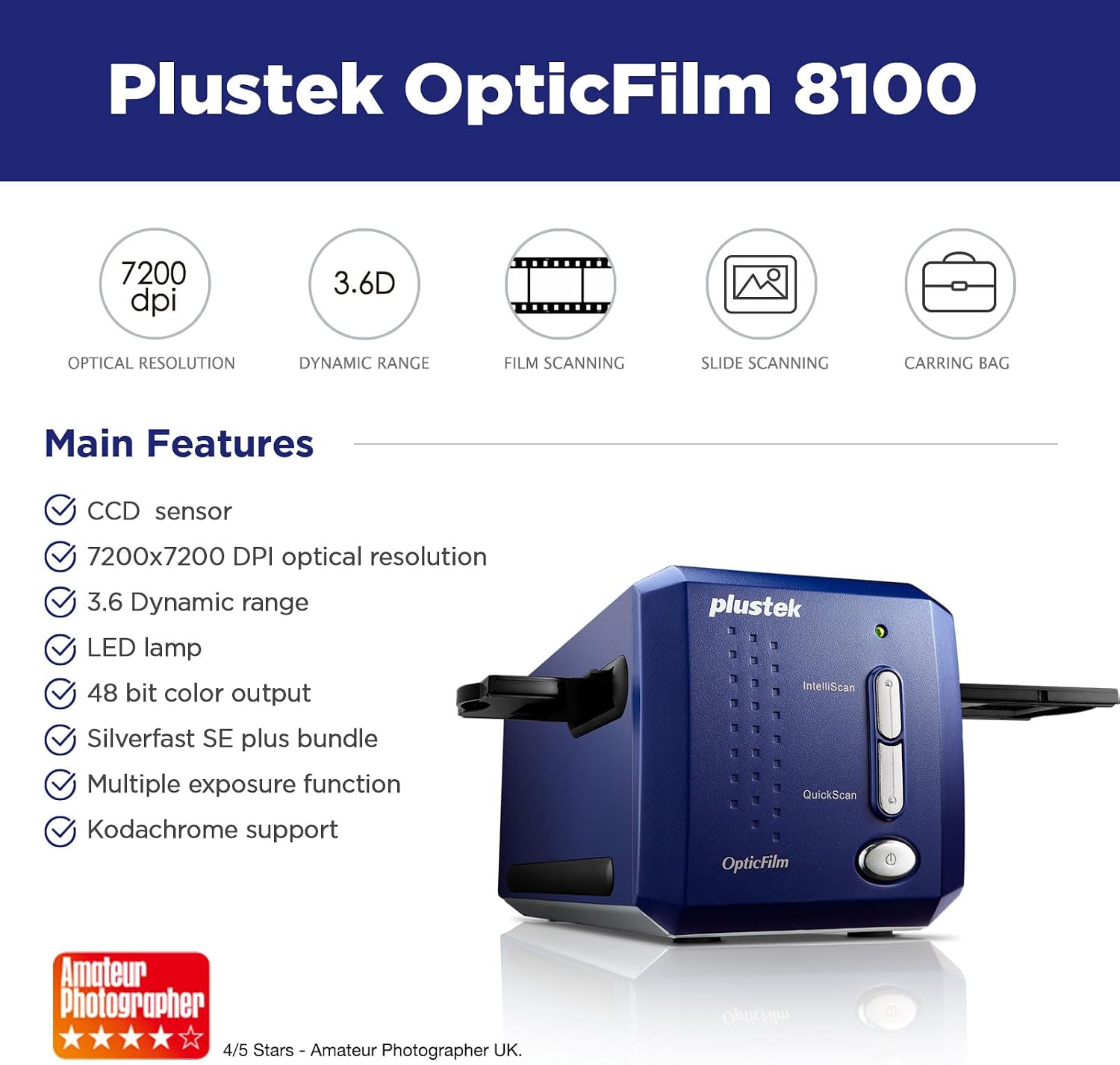
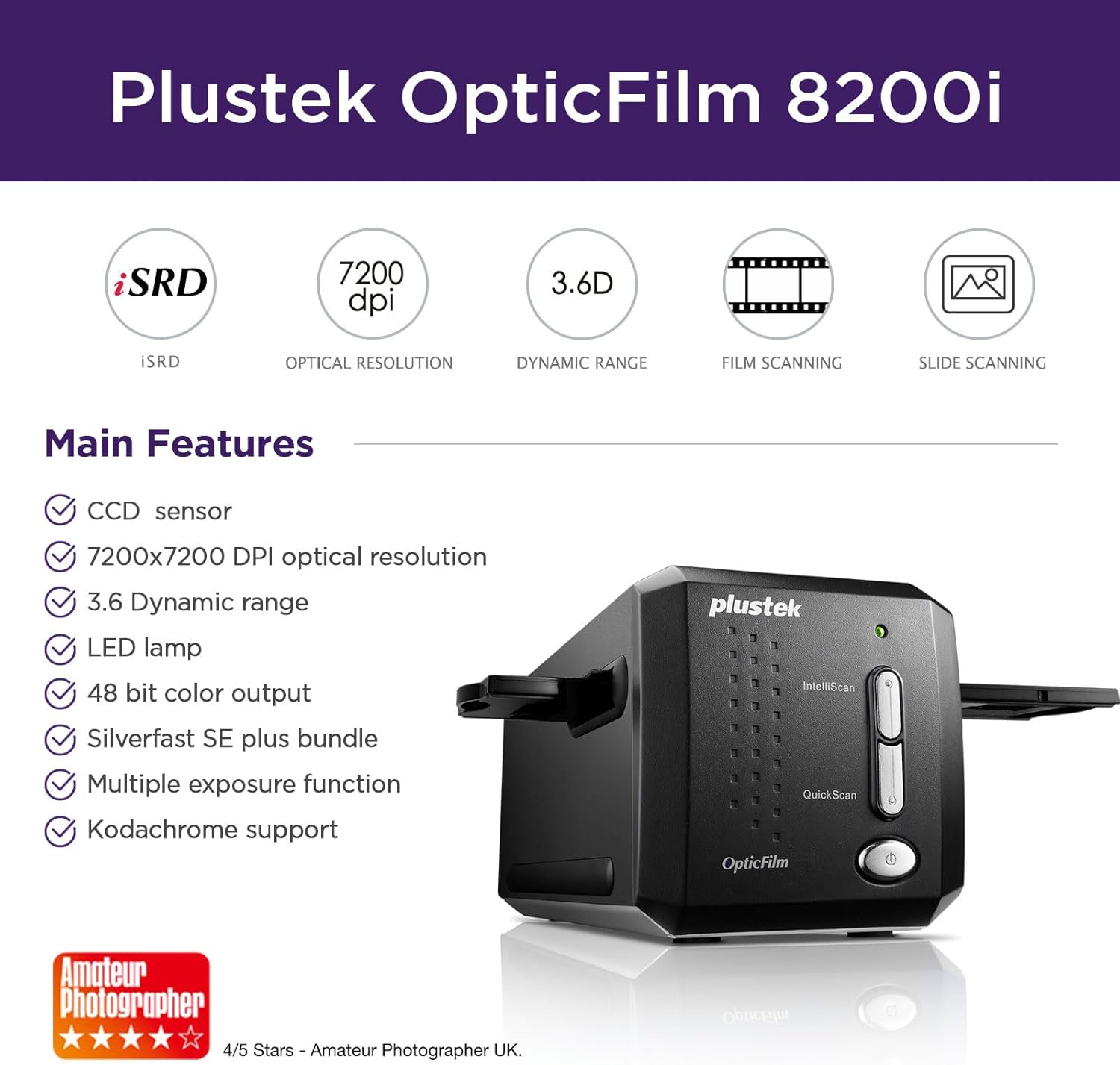
The Plustek OpticFilm 8200i (~$350 street as of May 2026) is the most widely reviewed dedicated 35mm film scanner in this price range. Its published optical resolution is 7200 dpi, which PCMag’s review of the OpticFilm 8200i SE calls “the highest in its class” — but their analysis notes that resolved detail in practice sits closer to 4000–5000 dpi when evaluated against a calibrated target, because the sensor’s signal-to-noise ratio becomes limiting above a certain density. The 8200i carries a manufacturer-rated Dmax of 3.6, which is sufficient for well-exposed color negatives and slides but will show noise in deeply underexposed frames. Imaging Resource’s 35mm Film Scanner Roundup and Resolution Analysis describes the 8200i as the value benchmark for solo archivists scanning properly exposed stock — a fair characterization that aligns with the consensus across professional editorial reviews.
The Epson Perfection V600 (~$380) is not a dedicated film scanner; it is a flatbed that includes a transparency adapter for 35mm. Its optical resolution is rated at 6400 dpi but practically resolves 35mm film at approximately 2400–3200 effective dpi according to aggregated editorial testing documented in Imaging Resource’s 35mm Film Scanner Roundup and Resolution Analysis. Dmax is rated at 3.8, higher than the Plustek on paper, but the flatbed’s longer light path and diffuse illumination limit shadow rendering in dense slide film — Fujichrome Velvia, for example, runs dense. The V600 is a strong choice if you are also digitizing medium format or flat artwork; for 35mm-only workflows, the Plustek optically outperforms it in resolved grain-level detail.
Plustek
$349.00
In stock on Amazon
Check price on AmazonMid Tier (~$800–$1,500)
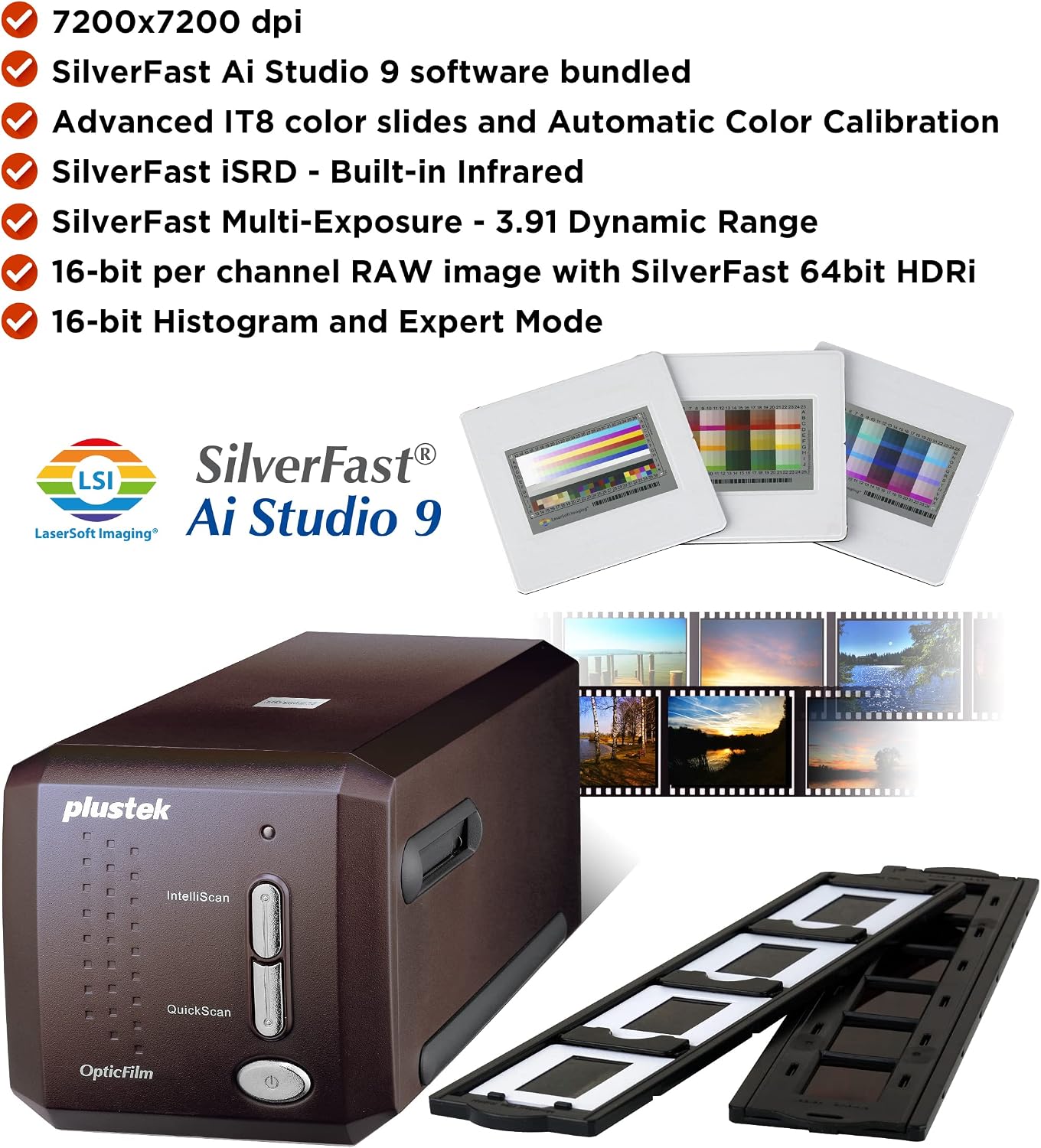
The Plustek OpticFilm 135 (~$800) represents a meaningful jump from the entry tier. It retains the 7200 dpi optical specification but redesigns the light source and A/D pipeline to address the 8200i’s noise floor at high densities. Published Dmax is 4.0. Owners in long-run archival workflows report better consistency across a full roll compared to the 8200i — the 135’s automatic batch handling reduces the per-frame handling time that makes 8200i-class work tedious at volume. If you are processing more than 200 rolls per year, the handling ergonomics alone justify the price delta, independent of the improved Dmax ceiling.
The Reflecta RPS 10M (~$1,100) is less frequently reviewed in North American outlets but has a strong presence in European professional digitization workflows. It carries a manufacturer-rated optical resolution of 10,000 dpi — an outlier claim worth healthy skepticism — with a Dmax of 4.0. DPReview’s Film Scanner Buyer’s Guide flags that extremely high dpi figures on CCD-based 35mm scanners (charged-coupled device sensors are the image-capture technology used in most dedicated film scanners) should be cross-checked against real-target resolution tests, since 35mm film grain itself limits useful resolution to roughly 5,000–6,000 dpi in most stock. The Reflecta is a viable mid-tier option, but verify its resolved detail against a calibrated USAF target before committing to a production workflow.
Plustek
$399.00
In stock on Amazon
Check price on AmazonProfessional / Production Tier (~$3,000–$20,000+)
The Nikon COOLSCAN LS-5000 ED and LS-9000 ED are discontinued but remain heavily sought after on the secondary market, with LS-5000 units appearing on used-equipment listings in the $3,000–$5,500 range as of May 2026. The COOLSCAN line’s optical resolution for 35mm is rated at 4000 dpi, with Dmax 4.2 on both the LS-5000 and LS-9000 bodies. That Dmax figure is consistently cited in professional archival literature as the practical ceiling for negative-based work. Imaging Resource’s 35mm Film Scanner Roundup and Resolution Analysis notes that Nikon’s scanner Dmax ratings have historically tracked closely with independent measurements — an uncommon compliment in this product category. If you can source a working unit with a functioning SA-21 strip-film feeder, the LS-5000 ED remains arguably the best per-frame quality-to-throughput ratio for 35mm production archiving.
The Hasselblad Flextight X5 (~$20,000+) operates via a virtual drum design that curves the film against a tight-radius optical path, eliminating the flatness variance that causes resolution inconsistency in flat-bed and carrier-based scanners. The X5 resolves 35mm at 8000 dpi optical with Dmax rated at 4.2. B&H Photo Explora’s article “Understanding Dmax in Film Scanners” notes that virtual-drum systems deliver more consistent Dmax across the frame area compared to flat-carrier designs, because the film surface remains equidistant from the lens across the full scan width. For fine-art photography and cultural heritage institutions working with irreplaceable originals, that consistency is what justifies the price differential over the Nikon tier.
Plustek
$539.00
In stock on Amazon
Check price on AmazonBy the Numbers
| Scanner | Street Price (May 2026) | Optical dpi (35mm) | Rated Dmax | Internal Bit Depth |
|---|---|---|---|---|
| Plustek OpticFilm 8200i | ~$350 | 7200 | 3.6 | 48-bit (16/channel) |
| Epson Perfection V600 | ~$380 | 6400 | 3.8 | 48-bit |
| Plustek OpticFilm 135 | ~$800 | 7200 | 4.0 | 48-bit |
| Nikon COOLSCAN LS-5000 ED (used) | ~$3,000–$5,500 | 4000 | 4.2 | 48-bit |
| Hasselblad Flextight X5 | ~$20,000+ | 8000 | 4.2 | 48-bit |
Optical dpi figures drawn from manufacturer spec sheets. Real-world resolved detail varies by film stock and operator calibration.
What Actually Matters for Your Workflow
The right Dmax threshold depends on what you are scanning. Color negative film (C-41 process) typically runs a density range of 2.8–3.2 — a Dmax of 3.6 covers it cleanly. Slide film (E-6 process, such as Ektachrome or Velvia) hits 3.6–4.0 in dense shadow zones; anything below Dmax 3.8 will begin to block up. Black-and-white negatives developed for archival permanence — TMAX 100 in HC-110, for example — can reach density 3.8–4.2 in the deepest zones, which is precisely where the Nikon COOLSCAN’s 4.2 Dmax rating earns its reputation in production archiving environments.
Resolution tradeoffs are similarly context-dependent. A 35mm frame of Kodak Portra 400, a relatively fine-grained color negative film, carries useful information to roughly 3,500–4,500 dpi. Scanning it at 7200 dpi adds file size without adding recoverable detail. But 35mm Kodachrome 25 or Fuji Provia 100F carries resolved grain to 5,500–6,000 dpi, where the difference between a 4000 dpi scanner and a 7200 dpi scanner becomes visible in a 24×36-inch exhibition print. DPReview’s Film Scanner Buyer’s Guide puts it plainly: match your scanner resolution to your film stock’s grain, not to the largest number on the box.
For FADGI (Federal Agencies Digital Guidelines Initiative) compliance — the standard increasingly required for cultural heritage and government-funded archival digitization projects — 35mm originals are generally expected to produce scans meeting a minimum of 4000 ppi (pixels per inch) at target reflectance quality levels. That threshold is achievable at the COOLSCAN tier and above; the Plustek 8200i and the Epson V600 approach it but require careful calibration and quality checking at the deliverable stage to pass a formal FADGI audit.
The Decision Rule
Scanning color negatives or slides at moderate volume (under 500 rolls per year) for a commercial archive, stock photography catalog, or personal estate project: the Plustek OpticFilm 135 at ~$800 is the defensible choice. Its Dmax 4.0 covers virtually all film stocks, its batch handling reduces labor cost, and it is a current production model with active driver support across major operating systems.
Handling high-density black-and-white archival negatives, E-6 slide collections for fine-art print output, or any workflow with FADGI deliverable requirements: source a Nikon COOLSCAN LS-5000 ED on the used market. The Dmax 4.2 ceiling and the independently verified accuracy of Nikon’s spec ratings matter here, and the used market price is defensible against the alternative of re-scanning at a service bureau over the life of a project.
Per-frame quality consistency is non-negotiable — cultural heritage institutions, museum collections, high-value fine-art originals: the Hasselblad Flextight X5 is the only flatbed-class instrument that delivers virtual-drum consistency without sending film to a drum-scan service bureau. At $20,000+, it requires institutional justification, but across aggregated professional reviews and archival documentation workflows it remains the reference standard for 35mm optical quality at scale.
The spec sheet number is the starting point, not the conclusion. Dmax, optical dpi, bit depth, and film stock grain all interact — and the scanner that wins on paper does not always win in the lightbox.