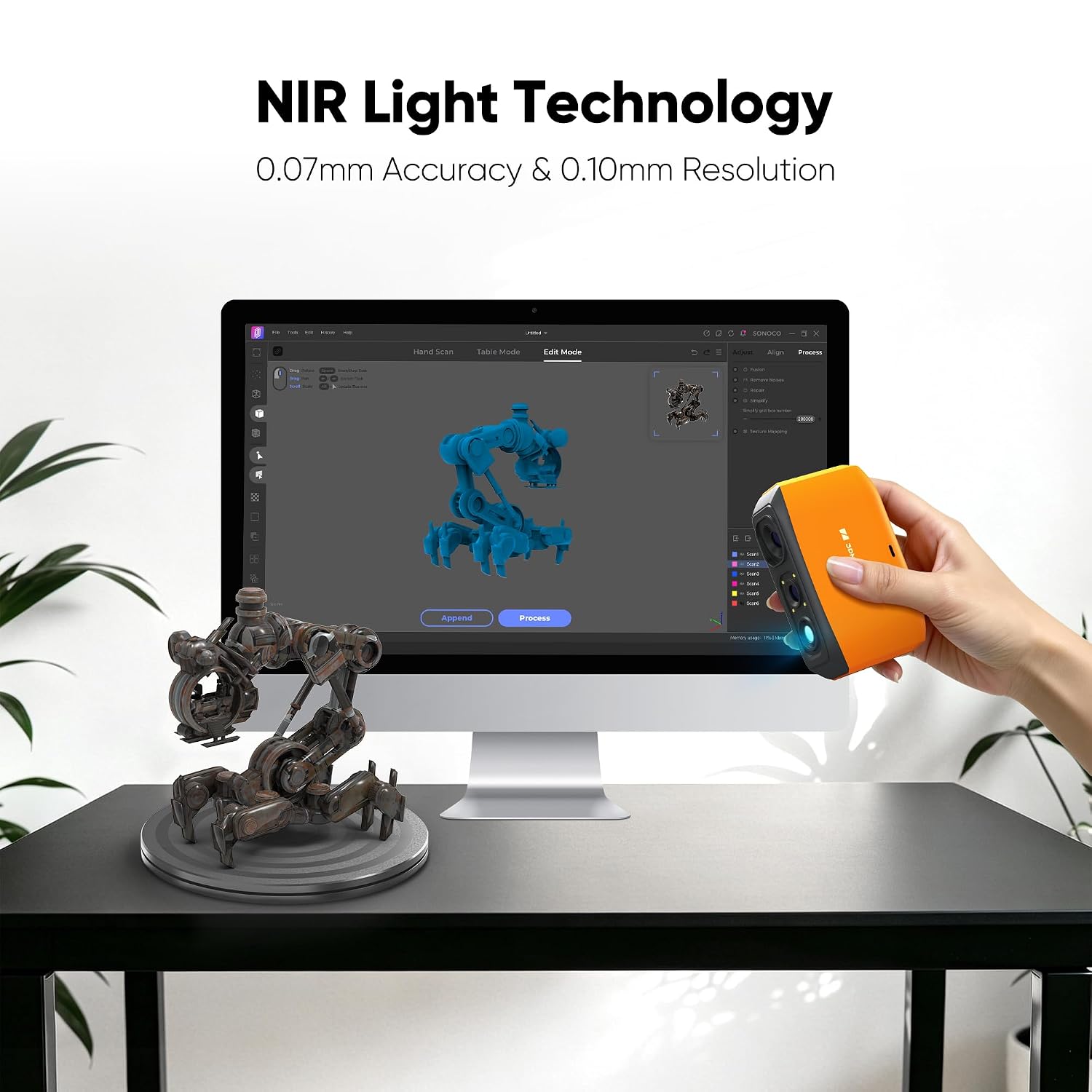
A handheld 3D scanner is a device you move around a physical object — a machine part, a dental mold, a sculpture — that builds a digital three-dimensional model of its surface in real time. Unlike a flatbed scanner that captures a 2D image, a 3D scanner measures depth: it calculates the X, Y, and Z coordinates of thousands of points per second and stitches them into a mesh you can measure, print, or import into CAD software. In the under-$2,100 price tier, you’re looking at mid-range prosumer and entry-level professional devices — the Revopoint RANGE 3, Shining3D EinScan H2, Creality Raptor, and a handful of others competing hard for the same wallet. The problem this article solves: every one of these scanners quotes an accuracy number on its spec sheet, but those numbers are measured under controlled lab conditions that may have little to do with how the scanner performs in your actual workflow. This guide breaks down what the published specs mean, where owner experience diverges, and which tradeoffs matter most when your purchase decision is pending.
What “Accuracy” Means on a 3D Scanner Spec Sheet — and Why the Number Alone Is Misleading
Every scanner in this tier publishes an accuracy figure, typically expressed in millimeters — something like “up to 0.05 mm accuracy” or “volumetric accuracy of 0.1 mm/m.” Before you compare those numbers head-to-head, you need to understand what is being measured and how.
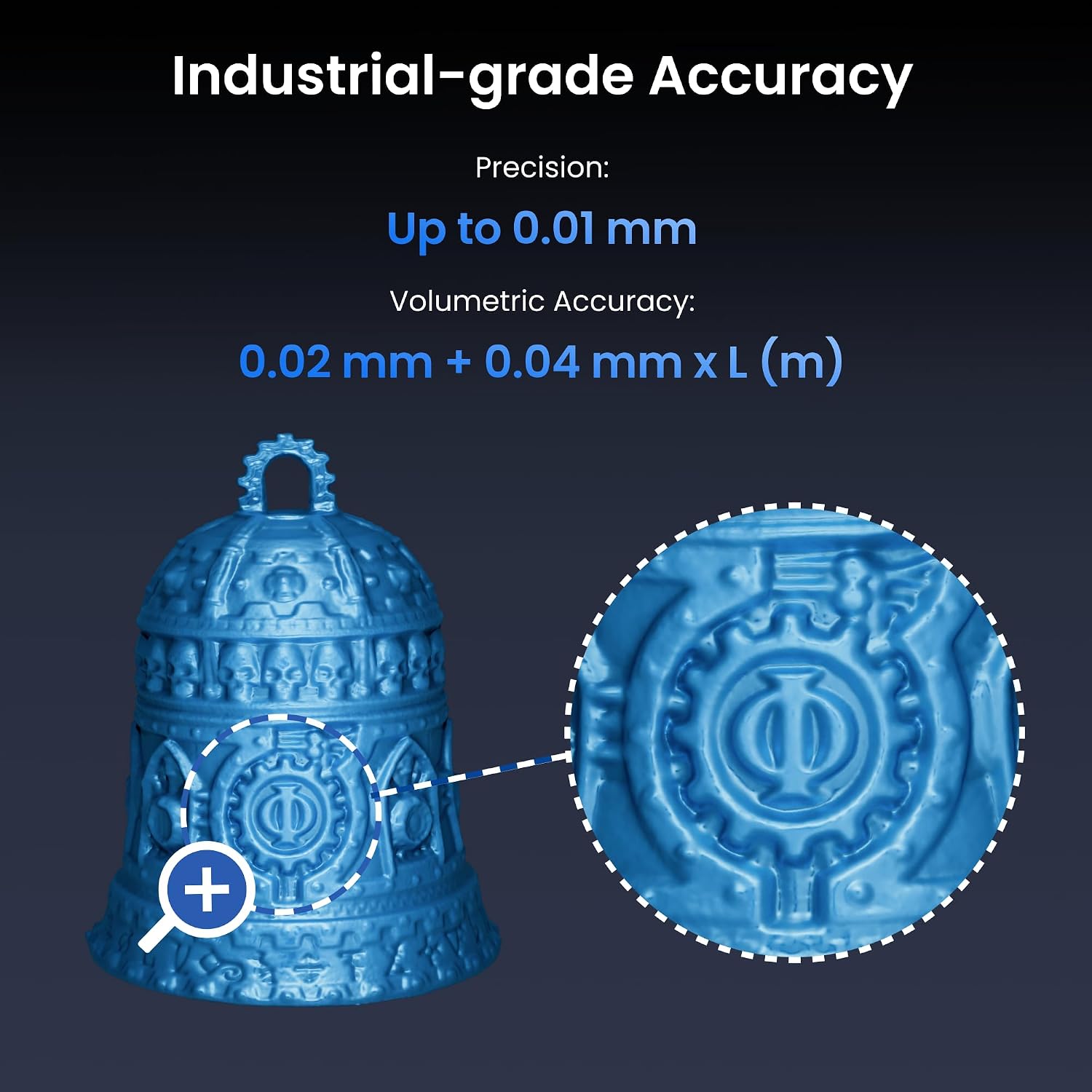
Point accuracy (sometimes called single-point accuracy or depth accuracy) is the error in any single measurement. Volumetric accuracy is the accumulated error across a larger object — it compounds as the scanner tracks its own position through space. A scanner might hit 0.05 mm point accuracy on a small, high-contrast test artifact sitting motionless under ideal lighting, then drift to 0.3–0.5 mm volumetric error when wrapping around a 60 cm industrial component.
The reference standard most commonly cited in this category is ISO 10360, a family of standards from the International Organization for Standardization. ISO 10360-8:2013 specifically addresses optical distance sensors and structured-light scanners. ISO 10360 testing involves scanning calibrated reference objects — typically precision spheres or flat plates with known dimensions — and comparing the scanner’s output against those known values. Critically, the standard specifies controlled environmental conditions: regulated temperature, vibration isolation, and surface preparation. Manufacturers are not required to disclose their full ISO 10360 test methodology in consumer-facing materials, and most do not. When a spec sheet says “ISO accuracy,” that phrase can mean “we ran a subset of ISO 10360 tests under ideal conditions” — not “this scanner holds that tolerance across all real-world scanning scenarios.”
PCMag’s editorial coverage of the 3D scanner category notes that spec-sheet accuracy claims from sub-$3,000 handheld scanners routinely outperform what reviewers reproduce in practice, particularly on objects larger than 30 cm. TechRadar’s best 3D scanners buying guide makes the same observation: the gap between published figures and reproducible results in typical workshop or studio conditions is a consistent finding across budget and mid-range devices. The gap isn’t dishonesty — it’s the difference between a benchmark test and a live workflow.
Side-by-Side: How the Main Contenders Compare on Paper
The table below shows the four most widely available scanners in this price ceiling as of mid-2026, based on manufacturer specification sheets and pricing reported by PCMag and TechRadar in their respective 2025 category guides.
| Scanner | Claimed Point Accuracy | Claimed Volumetric Accuracy | Street Price (May 2026) |
|---|---|---|---|
| Revopoint RANGE 3 | 0.1 mm | 0.3 mm/m | ~$699 |
| Creality Raptor | 0.05 mm | 0.1 mm/m | ~$999 |
| Revopoint MIRACO Plus | 0.05 mm | 0.1 mm/m | ~$1,499 |
| Shining3D EinScan H2 | 0.05 mm | 0.05 mm/m (marker mode) | ~$1,699 |
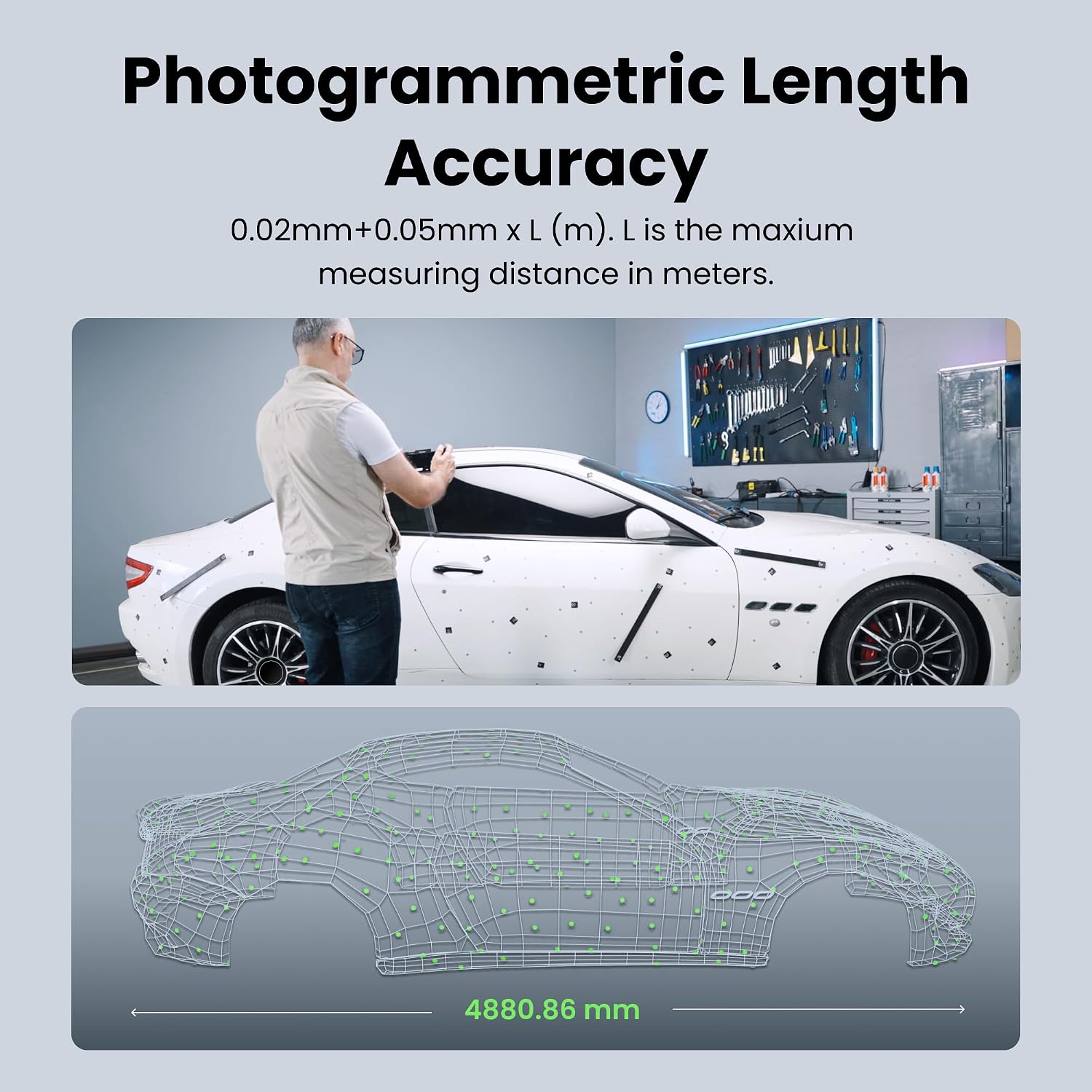
Shining3D’s EinScan H2 product specification sheet specifies that the 0.05 mm/m volumetric figure applies when coded targets — physical adhesive markers placed on the object surface — are used for tracking. This method gives the scanner absolute position references rather than relying on surface feature tracking alone. Without markers, Shining3D’s own documentation acknowledges higher drift. That asterisk does not always appear in third-party comparison tables, which is one of the most common sources of buyer confusion in this category.
Where Owner Experience Diverges from Published Figures
The most consistent pattern across owner communities — visible in aggregated feedback cited by Aniwaa’s 2025 3D Scanning Buyer’s Guide and in PCMag’s hands-on scanner evaluations — is that real-world accuracy depends heavily on three variables the spec sheet treats as solved: object surface properties, object size, and ambient environment.
H3: Budget Tier — Surface Challenges and the Revopoint RANGE 3
Structured-light scanners (which describes every device in this tier) work by projecting a pattern of light onto a surface and measuring how the pattern distorts. Highly reflective surfaces — polished metal, glossy plastic, chrome — scatter or saturate the sensor, causing holes in the mesh or false depth readings. Translucent materials like clear resin or thin white plastic let light pass through rather than reflect cleanly, producing similar artifacts. The standard industry workaround is scanning spray: a temporary matte coating applied to the object before scanning.
Revopoint’s RANGE 3 product documentation positions the device as optimized for medium-to-large objects in the 30–200 cm range, which aligns with owner-reported results: it performs close to its spec-sheet figures on matte or painted objects and large assemblies like furniture or vehicle body panels, but produces meaningfully degraded results on bare metal parts without surface preparation. If your workflow involves unprepared industrial components, budget time and consumable cost for scanning spray — and recognize the spec-sheet figure was measured on a matte calibration artifact, not your actual part.
For workflows where tolerance requirements are ≥ 0.5 mm and objects are large-format, the RANGE 3 at approximately $699 covers the use case at the lowest entry cost in this tier, with strong owner-reported performance for body scanning, furniture reproduction, and architectural detail capture.
Creality
$359.00
In stock on Amazon
Check price on AmazonH3: Mid-Tier — Onboard Processing and the MIRACO Plus and Raptor
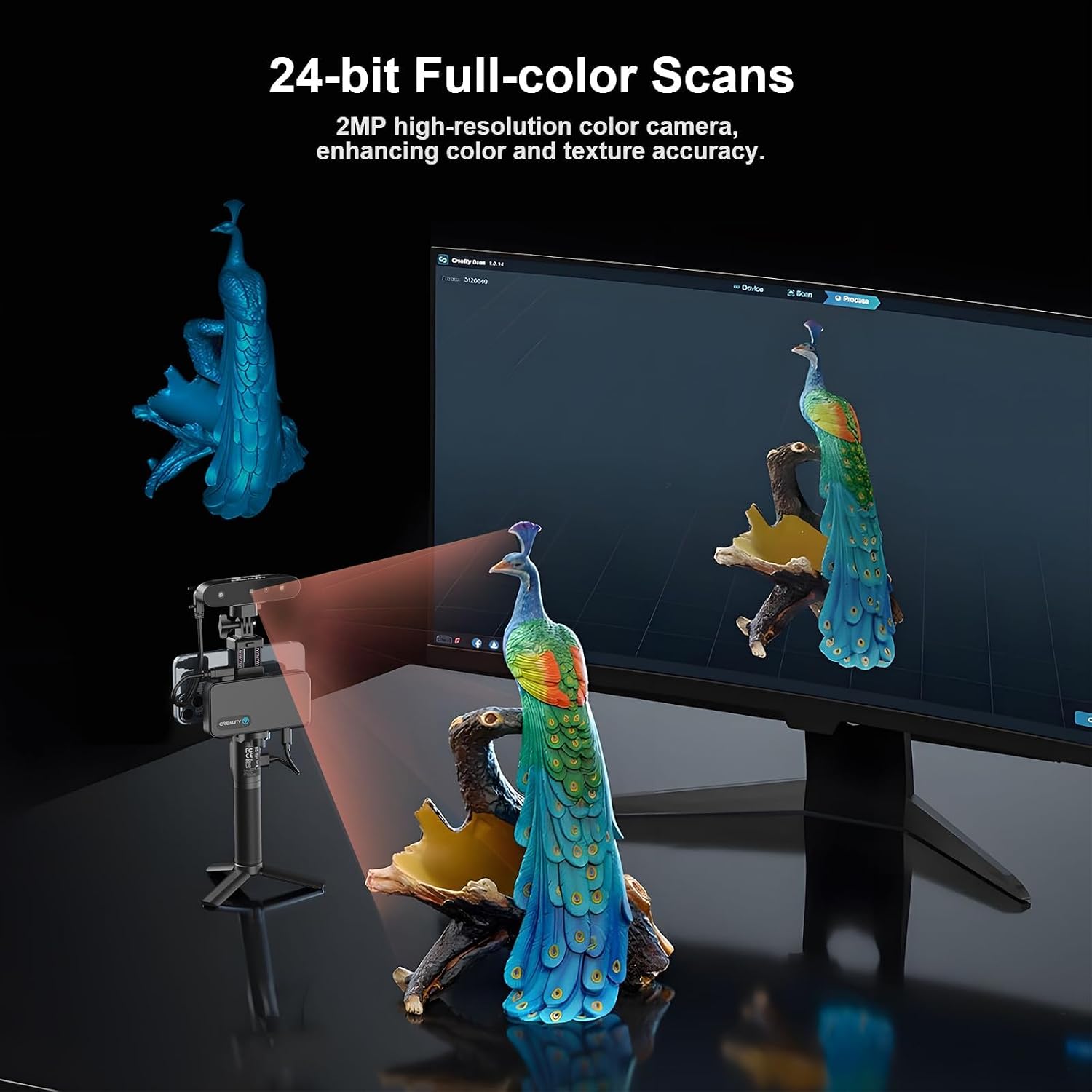
The Creality Raptor and Revopoint MIRACO Plus both sit in the $999–$1,499 range and compete directly for workflows requiring tighter tolerances. PCMag’s 3D scanner category coverage describes the MIRACO Plus as a notable step forward in real-world usability compared to earlier Revopoint devices, specifically citing onboard processing that reduces point-cloud drift on medium-size objects. The Raptor enters the same conversation with a comparable claimed volumetric spec at a lower price, though its software ecosystem is less mature at time of writing.
Object size remains the dominant variable in this tier. Below roughly 10 cm, most scanners here have difficulty maintaining feature-based tracking because there is not enough surface area variation for the algorithm to lock onto. Above roughly 80–100 cm, volumetric drift becomes the dominant error source regardless of device quality at this price level. The MIRACO Plus performs best — and owner results most closely match spec-sheet claims — on objects in the 20–60 cm range.
TechRadar’s best 3D scanners guide flags warm-up time as a frequently overlooked variable across the mid-tier category: most structured-light scanners need 10–20 minutes of powered operation before their optics stabilize thermally. Scanning immediately after powering on produces measurably worse results. ISO 10360 testing is conducted at 20°C ± 2°C with vibration isolation — conditions that a manufacturing floor or heated warehouse in January does not replicate. Owners doing quality-assurance work in production environments consistently cite warm-up discipline as one of the most impactful free improvements available.
For workflows where tolerance requirements are 0.1–0.3 mm and objects fall in the 20–60 cm range, the MIRACO Plus at approximately $1,499 represents the pragmatic mid-tier choice, with the caveat that surface prep and warm-up protocol matter significantly at this tolerance level.
Revopoint
$1,759.00
In stock on Amazon
Check price on AmazonH3: Premium Sub-$2,100 Tier — Marker Mode and the EinScan H2
The Shining3D EinScan H2 occupies the top of this price ceiling at approximately $1,699. Shining3D has a longer track record in the professional scanning segment than the newer entrants in this comparison, and the company’s accuracy claims have held up more consistently across independent evaluations. Aniwaa’s 2025 3D Scanning Buyer’s Guide identifies the EinScan H2 as one of the few sub-$2,000 devices where owner-reported accuracy in controlled workflow conditions approaches the manufacturer’s published figures — specifically in marker mode on objects between 15 and 80 cm.
The EinScan H2 uses a hybrid light source combining LED and laser illumination. Shining3D’s product documentation states this configuration handles ambient light interference better than pure-LED designs, and owner feedback in bright workshop environments broadly supports this. Strong sunlight or certain overhead fluorescent frequencies can reduce the effective contrast of a projected structured-light pattern; the hybrid source maintains pattern visibility across a wider ambient light range.
The tradeoff is setup time. Placing, measuring, and removing coded targets adds 15–45 minutes to a scan session depending on object complexity. For one-off scans or rapid iteration workflows, that overhead is meaningful. For production reverse-engineering work where dimensional accuracy is the primary requirement, the EinScan H2’s marker-mode performance is the only path in this price ceiling to reliably achieving ≤ 0.1 mm volumetric accuracy under real workflow conditions.
Shining3D’s EXScan Pro software also has broader documented compatibility with downstream CAD platforms than Revopoint’s Revoscan stack — a consideration that PCMag’s category coverage raises as a secondary differentiator between otherwise comparable devices. Scan quality and mesh output quality are related but not identical; post-processing software that handles noise well can recover a borderline scan, while poor software can degrade a good one.
For workflows where tolerance requirements are ≤ 0.1 mm, objects are under 50 cm, and a marker-mode workflow is operationally acceptable, the EinScan H2 at approximately $1,699 is the only device in this price ceiling where the ISO-adjacent accuracy figure holds up in owner-reported real-world conditions.
Revopoint
$2,089.04
In stock on Amazon
Check price on AmazonWhat to Ask a Vendor Before You Commit
Given that spec-sheet accuracy figures represent best-case-scenario conditions, the right due diligence questions are:
-
What tracking mode was used for the accuracy claim? Feature tracking, marker tracking, and turntable-assisted scanning each produce different accuracy levels. Get the specific mode in writing.
-
What was the test object size and surface finish? A 0.05 mm claim measured on a 10 cm calibration sphere does not predict performance on a 40 cm aluminum casting with mill-finish surfaces.
-
Does the manufacturer provide a sample scan file of an object similar to yours? Shining3D, for example, will provide reference scan data for pre-purchase evaluation. Use it if the option exists.
-
What is the return or trial policy? At the $700–$1,700 price point, a 30-day return window is a reasonable ask for a hardware product in this category. A reseller unwilling to extend one is a signal worth noting.
Aniwaa’s 2025 3D Scanning Buyer’s Guide and PCMag’s category coverage converge on the same underlying observation: in the sub-$2,100 tier, the gap between the best and worst performers on raw accuracy has narrowed over the past two product cycles. What has not converged is software maturity and support quality — which is where owner frustration concentrates after purchase. The spec sheet is the starting point. Owner experience measured under conditions close to your own workflow is the closing argument.