If your organization scans bound books, oversized legal files, or delicate archival materials, a flatbed scanner — the kind with a glass plate you press pages against — creates a real problem: forcing a spine flat enough to scan damages the binding, and fragile or valuable documents shouldn’t be pressed under glass at all. Overhead scanners (also called planetary scanners or overhead document cameras) solve this by mounting a camera above an open book or document and photographing it from above, leaving the material completely untouched. The document rests on a flat surface, the camera looks down, and the software processes the image. In the $300–$1,500 range, two brands come up repeatedly in library purchasing discussions, legal department RFPs, and remote-team procurement threads: CZUR (a Shenzhen-based imaging company) and VIISAN (a specialist in overhead camera systems). This article compares them directly so you can make a confident call on whichever decision is currently sitting on your desk.
Both brands occupy a middle tier that’s easy to underestimate. They’re not the $50,000 planetary scanners used by national archives, but they’re not toy document cameras either. Used correctly, they deliver results that satisfy legal admissibility standards, library digitization workflows, and remote notary or compliance needs — if you match the model to the workload.
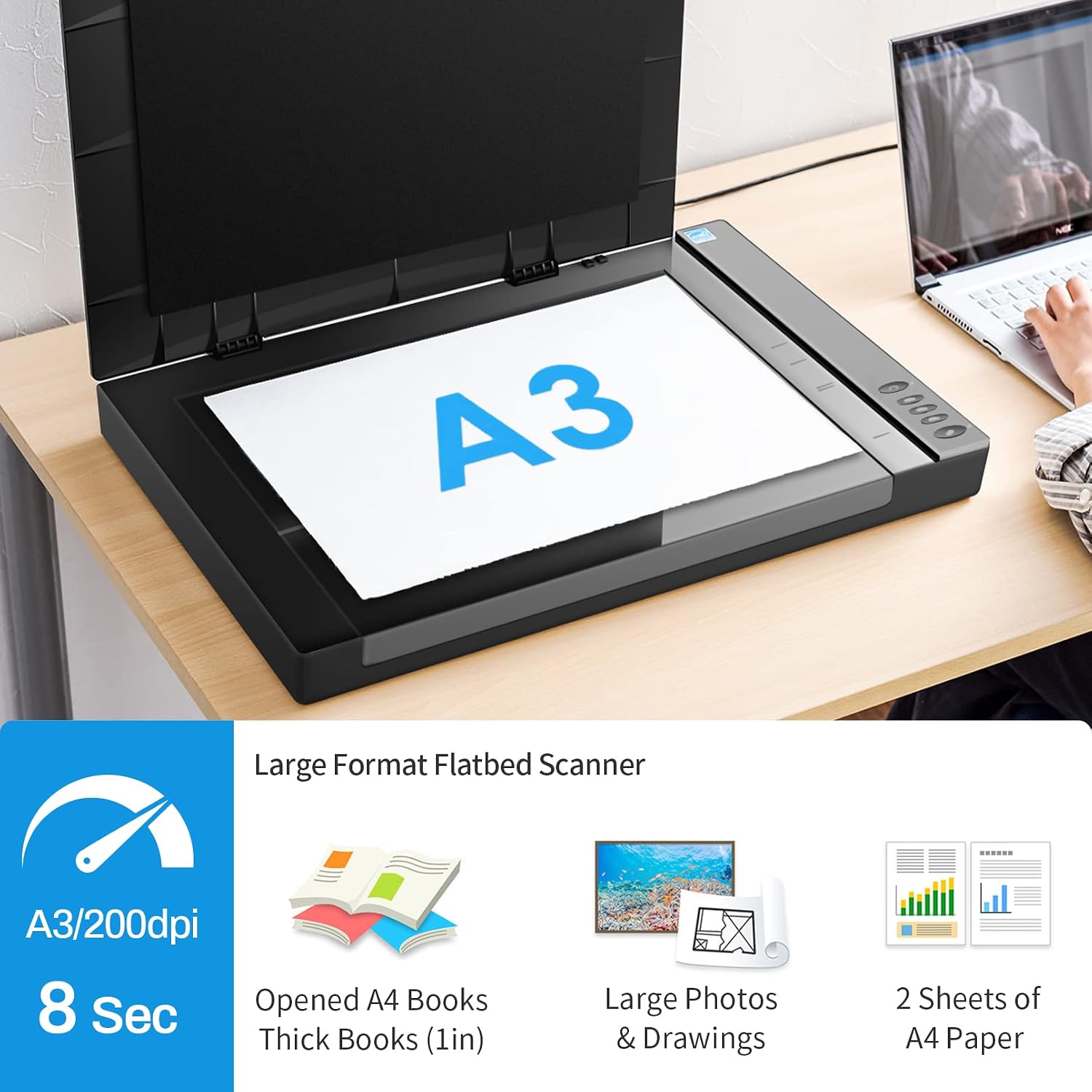
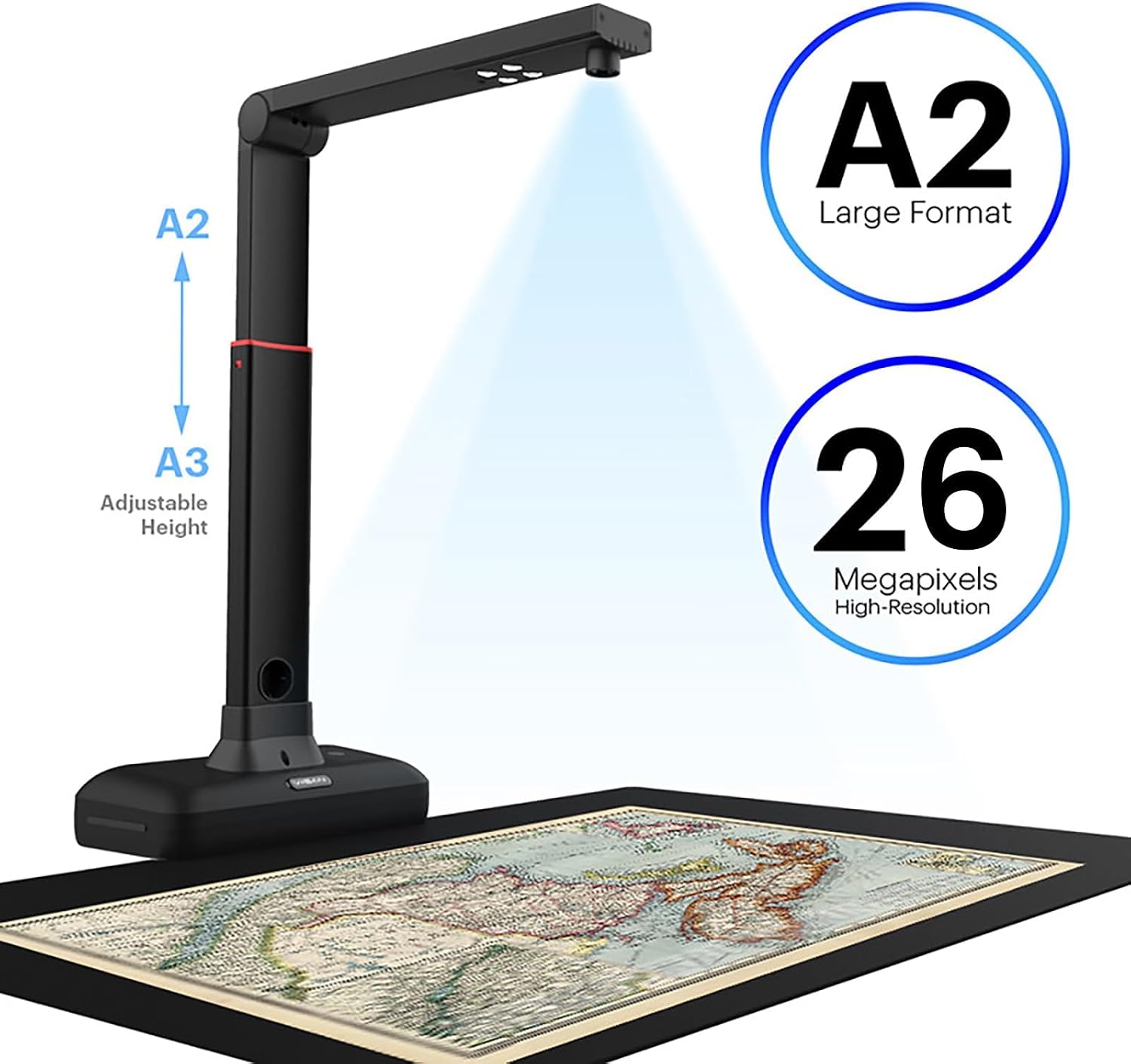
| EDITOR'S PICKVIISAN Large Format Book & Docu… | Mid-tier[VIISAN 3120 A3 Flatbed Scanner](https://www.amazon.com/dp/B08DQYSNGQ?tag=greenflower20-20) | Budget pickCZUR Aura Pro Book & Document S… | |
|---|---|---|---|
| Capture Size | A2/A3 | A3 (11.7"×16.7") | A3 & A4 |
| Resolution | 26MP | 1200 DPI | — |
| Auto-Flatten | ✓ | — | ✓ |
| Fingerprint Removal | ✓ | — | — |
| Foldable Design | — | — | ✓ |
| OCR Support | ✓ | — | — |
| Price | $408.99 | $339.99 | $289.00 |
| See on Amazon → | See on Amazon → | See on Amazon → |
What You’re Actually Buying: The Core Architecture Difference
Both CZUR and VIISAN use a camera-on-arm design: a sensor mounted on a fixed or adjustable arm looks straight down at a document placed on a mat below. How each company builds around that camera shapes everything about day-to-day use.
CZUR: Software-First, Self-Contained Design
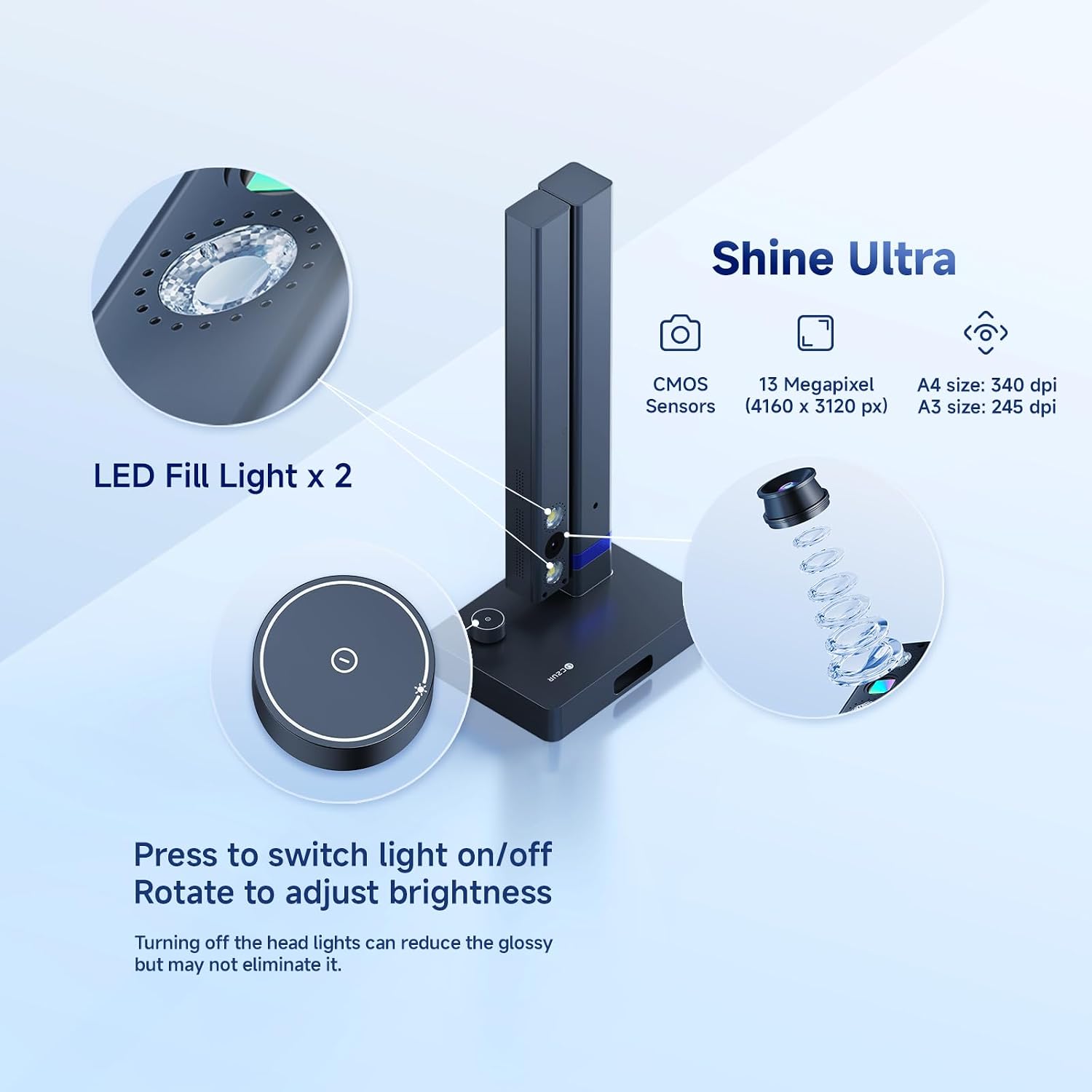
CZUR’s ET series (the ET18 Pro and ET24 Pro are the most actively stocked models as of mid-2026, at roughly $300–$560) centers its design around built-in side-lighting — two small LED arms flank the camera to reduce glare on glossy pages — and a fingerprint-suppression algorithm baked into the bundled software. The bundled application, CZUR Book, handles curved-page correction automatically: when you scan a bound book, the software detects the curvature of the spine-gutter (the valley between pages) and mathematically flattens it into a rectangle in the output file. Per CZUR’s published product specifications, the ET18 Pro captures at 18 megapixels and the ET24 Pro at 24 megapixels, producing output suitable for OCR (optical character recognition — software that converts a scanned image into searchable, editable text).
PCMag’s Best Document Scanners roundup frames the general overhead scanner category as best suited to “irregular or bound materials where flatbed contact would cause damage” — a description that maps precisely onto CZUR’s core design rationale.
VIISAN
$339.99
In stock on Amazon
Check price on AmazonVIISAN: Raw Fidelity and Institutional Integration
VIISAN’s V Series (the V500Plus and V800Plus are the primary current SKUs, priced roughly $280–$600) takes a different architectural bet: the camera sensor itself is often higher-resolution at comparable price points, and the company leans harder into raw image fidelity over bundled-software automation. VIISAN’s published datasheets position their hardware toward users who will post-process images themselves — archivists using Capture One, legal teams piping files into document management systems, or IT teams integrating via TWAIN drivers (a standardized interface that lets any scanner communicate with third-party software). VIISAN devices are more commonly specified in institutional RFPs precisely because they offer clean TWAIN compliance without workflow lock-in.
The Document Imaging Report’s 2024–2025 overhead and planetary scanner market trend analysis highlights TWAIN compliance and ISIS driver support as primary institutional procurement filters — overhead scanners that cannot present themselves cleanly to enterprise document capture platforms routinely fail procurement screening before they ever reach a budget committee.
VIISAN
$408.99
In stock on Amazon
Check price on AmazonThe Practical Upshot
CZUR is the better fit if your operator is a paralegal or library assistant who needs a self-contained tool with minimal setup. VIISAN is better if you’re plugging into an existing document management pipeline or need raw image output that your own software stack will process.

CZUR
$289.00
In stock on Amazon
Check price on AmazonResolution, Speed, and the Numbers That Actually Matter
A lot of overhead scanner marketing leads with megapixel count, which is genuinely relevant — but only in context. Here’s a grounded comparison based on published specifications.
CZUR ET24 Pro: Key Specifications
- Sensor resolution: 24 megapixels
- Max document size: A3 (roughly 11×17 inches)
- Manufacturer-rated capture speed: approximately 1.5 seconds per page
- Street price (mid-2026): approximately $450–$560
- TWAIN driver support: Limited; requires workarounds for full enterprise integration
- Curved-page correction: Automatic, in-software, near-real-time
VIISAN
$339.99
In stock on Amazon
Check price on AmazonVIISAN V800Plus: Key Specifications
- Sensor resolution: approximately 24–33 megapixels depending on configuration
- Max document size: A3 / A3+
- Manufacturer-rated capture speed: approximately 1–2 seconds per page
- Street price (mid-2026): approximately $480–$600
- TWAIN driver support: Yes, native and tested
- Curved-page correction: Dependent on downstream software (Kofax, ABBYY FineReader, or similar enterprise OCR platforms)
VIISAN
$408.99
In stock on Amazon
Check price on AmazonWhere Speed Numbers Diverge in Practice
On raw resolution, the two brands are essentially matched at comparable price points. Where the specifications diverge meaningfully is in scanning speed under realistic conditions. Manufacturer-rated capture speed — the time to take one image — does not include page-turn time or software processing. CZUR’s automatic curved-page correction happens in near-real-time, which owners of the ET series in long-run library evaluations consistently report as a genuine time-saver for book scanning: you don’t have to manually straighten or reprocess pages after capture. VIISAN operators in institutional settings note that throughput with VIISAN depends heavily on which downstream software handles correction; if you’re running a system like Kofax or ABBYY FineReader, VIISAN’s cleaner driver handoff actually accelerates the overall workflow even if the per-image capture time is similar.
TechRadar’s Best Scanners for Home and Office buyer’s guide notes that CZUR’s software reliability has improved substantially in recent releases, moving it closer to institutional usability — a meaningful shift from the version-reliability criticisms that appeared in earlier reviews published in 2022 and 2023.
VIISAN
$339.99
In stock on Amazon
Check price on AmazonSoftware Ecosystem: Where the Real Tradeoffs Live
This is the decision axis that most buyers underweight during evaluation, and it’s where the CZUR versus VIISAN choice becomes clearest.
CZUR’s Proprietary, All-in-One Software Stack
CZUR Book (also distributed as the CZUR Smart Scanner app) is proprietary and Windows/Mac-native, with iOS and Android companion apps for mobile capture. Curved-page flattening, finger removal (the software can detect and digitally erase fingers holding open a book), and OCR output are all handled inside the CZUR ecosystem. For a solo practitioner — a freelance researcher, a small law firm managing its own discovery documents, a one-person special collections department — this is genuinely useful: one install, one interface, done.
The limitation is lock-in. If your organization’s document management system (SharePoint, NetDocuments, iManage, Laserfiche, and similar platforms) needs scanner input via a TWAIN or WIA driver, CZUR’s integration story is inconsistent. Users in legal technology professional communities repeatedly flag that CZUR’s TWAIN support is partial and requires workarounds that an enterprise IT department may not be willing to maintain.
The current CZUR Book release (v3.x as of mid-2026) is meaningfully better than the versions that drew criticism in earlier years. The gap between CZUR’s software and enterprise-grade integration expectations is narrowing, but it has not fully closed.
VIISAN
$339.99
In stock on Amazon
Check price on AmazonVIISAN’s Driver-Forward, Integration-Ready Approach
VIISAN’s approach is the inverse of CZUR’s: lighter bundled software, but clean and tested TWAIN and WIA driver support out of the box. For enterprise IT departments deploying scanners as part of a larger digitization infrastructure, this matters enormously.
The Document Imaging Report’s 2024–2025 market trend analysis on overhead and planetary scanners identifies TWAIN and ISIS driver compliance as a top-tier procurement filter for institutional buyers — a finding consistent with how VIISAN positions its V Series in published technical datasheets. Imaging Resource, in its coverage of the document camera and overhead scanner category, similarly notes that institutional buyers increasingly prioritize driver standardization over bundled-software feature sets when selecting fleet hardware.
If you’re deploying for remote teams specifically — the scenario where a branch office or home-based legal professional needs to scan and upload bound documents — CZUR’s self-contained software is often the faster path to a working setup. VIISAN’s institutional-grade drivers shine when a central IT team manages configuration and the endpoint is part of a managed fleet.
VIISAN
$408.99
In stock on Amazon
Check price on AmazonUse Case Fit: Libraries, Legal, and Remote Teams
Let’s apply the comparison to the three audiences most likely reading this article.
Libraries and Archives
VIISAN tends to win institutional library specifications because of TWAIN compliance and the expectation that library systems — Ex Libris Alma, CONTENTdm, and similar platforms — need clean integration. For small public libraries or single-branch special collections operating with no dedicated IT department, CZUR’s all-in-one software is a legitimate alternative: the ET series gets books digitized quickly without requiring system administration expertise.
Neither brand guarantees out-of-the-box compliance with the Federal Agencies Digital Guidelines Initiative (FADGI) technical specifications for digitization, which set minimum image quality thresholds for federally funded and archival digitization projects. Both can produce FADGI-compliant output with proper operator technique and post-processing. VIISAN reaches that bar more reliably at the capture stage on its higher-resolution models due to greater raw image fidelity.
VIISAN
$408.99
In stock on Amazon
Check price on AmazonLegal and Compliance Teams
Legal workflows care about two things that hardware rarely solves alone: image quality sufficient for redaction and OCR processing, and chain-of-custody auditability. Both brands satisfy the image quality bar for most discovery and records management purposes. Chain-of-custody is entirely a software and process question, not a hardware one.
For paralegal-operated scan stations with no IT oversight, CZUR’s simpler setup wins. For law firms with iManage or NetDocuments integrations managed by an IT team, VIISAN’s driver support is the safer specification to write into a procurement document.
PCMag’s Best Document Scanners roundup recommends evaluating overhead scanners on workflow compatibility first and hardware specifications second — an editorial position consistent with how the CZUR-versus-VIISAN decision plays out in practice for legal teams.
VIISAN
$339.99
In stock on Amazon
Check price on AmazonRemote and Distributed Teams
This is CZUR’s clearest home court. The ET series is designed to be self-contained: plug in, install the app, scan. For a field auditor scanning loan documents at a client site, or a remote legal assistant digitizing delivered files, that framing is exactly right. VIISAN can certainly work in this scenario, but it rewards operators who are comfortable configuring scanner inputs in third-party software — a reasonable expectation for a managed enterprise deployment, less reasonable for a solo remote worker without technical support.
TechRadar’s Best Scanners for Home and Office guide specifically calls out ease of setup and software self-sufficiency as the dominant evaluation criteria for remote and home-office scanner buyers — criteria that favor CZUR’s design approach in the overhead segment.
CZUR
$289.00
In stock on Amazon
Check price on AmazonThe Decision Rule
Here’s the honest “if X, then Y” frame for this comparison:
If your team is small (1–5 operators), works mostly from a single workstation, and needs a self-contained book-scanning tool with minimal IT involvement → CZUR ET series. The software-first design, curved-page correction, and simpler setup justify the minor driver limitations for teams that will not miss TWAIN integration.
If you’re deploying to an institutional environment with an existing document management platform, need clean TWAIN driver support, or are writing a spec for a fleet of scanners that IT will manage → VIISAN V series. The integration story is cleaner, and the raw image output gives your software stack more to work with.
If you’re at a mid-size organization sitting between those two descriptions, push your evaluation toward the software integration question first: ask your document management vendor whether they have tested drivers or integration notes for either brand before the hardware decision is made. That answer will likely settle it faster than any spec-sheet comparison.
Neither brand is a wrong answer at their respective price points. The mistake is buying on resolution alone. In overhead scanning, workflow fit is the specification that actually determines whether the hardware earns its place on the desk or sits collecting dust after the first quarter.